What Is Simultaneous Translation? Real-Time AI Voice Guide
What is simultaneous translation and how does real-time AI voice translation work? See Voiser Live for events and AI dubbing for recorded videos.
· Updated: · 5 min read
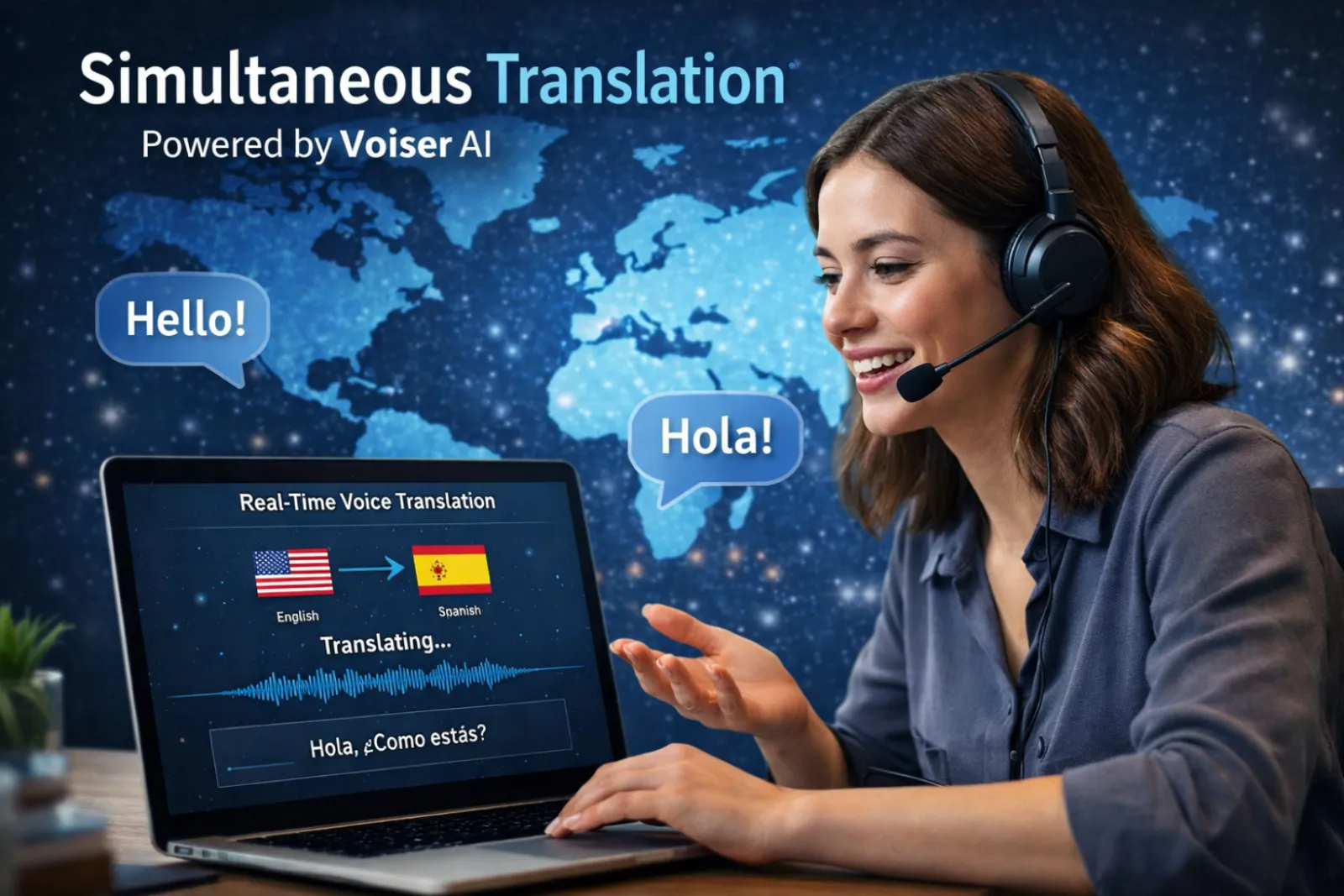
Simultaneous translation means rendering speech into another language while the speaker is still talking. It is essential for international conferences, multilingual meetings and training sessions, but the classic setup of booths, headsets and interpreter teams does not fit every event. Real-time AI voice translation is changing that. This guide explains what simultaneous translation is, how AI translates speech as it happens, how Voiser Live handles it at events, and which Voiser studios to use for recorded content.
What is simultaneous translation?
In simultaneous translation, often called simultaneous interpretation, the speech is carried into the target language without waiting for the speaker to finish. Listeners follow along in their own language with a delay of only a few seconds. That is what sets it apart from consecutive interpretation, where the speaker pauses after a few sentences and the interpreter then translates that part. Consecutive works for small meetings but nearly doubles the running time.
In the traditional setup, interpreters work in soundproof booths and the audience listens through headsets. Because the work is demanding, interpreters usually take turns, and each language needs its own team. The more languages you add, the bigger the setup, the team and the budget.
How does real-time AI voice translation work?
AI simultaneous translation chains several technologies into a single flow:
- Capture: The speaker's voice is picked up from a microphone or the venue's sound system.
- Transcription: A speech recognition model turns the audio into text in real time.
- Translation: A language model translates the text into the target language, aiming to keep the context of each sentence.
- Voice or captions: The translation is read out in a natural voice or shown as text.
All of this happens while the speaker is talking, so listeners hear them in their own language with a short delay. The biggest factor in quality is clean input audio: a good microphone and a quiet room directly improve accuracy.
Voiser Live: AI simultaneous translation for events
Voiser Live is Voiser's simultaneous translation solution. It translates speech into other languages in real time at conferences, meetings and training sessions, with no booths required:
- Join with a QR code: Attendees scan a QR code and listen to the translation on their own phones.
- No app to install: The translation opens in the browser, so nobody has to download anything.
- Wide language coverage: More than 125 languages are supported, and each attendee picks their own.
- No booths: Run a multilingual event without interpreter booths or handing out headsets.
Voiser Live is an enterprise service, planned around the languages and scope of your event. For details or to request a call, see the enterprise solutions page.
For recorded content: translate with dubbing and transcription
The Voiser web studio works with content you upload or record, not with live speech. If you already have a video or audio recording, these two studios cover it:
- Dubbing: Upload your video to the AI dubbing studio and the speech is transcribed, translated and voiced in the new language. You can fix the translation line by line and translate one video into several languages in a single project.
- Transcription and translation: In the transcription studio, turn a meeting, seminar or interview into text, translate it and download translated subtitles as SRT or VTT.
You can try the web studio on the free plan, which adds credits every month and does not ask for a card. Plan details are on the pricing page.
Human interpreters or AI?
Both have their strengths. The right choice depends on the type of event, the number of languages and how sensitive the content is.
| Criterion | Human interpreters | AI simultaneous translation |
|---|---|---|
| Setup | Booths, headsets and an interpreter team | No booths; attendees listen on their phones |
| Number of languages | A separate team per language | Many languages from one system |
| Nuance and style | Strong with humor, implication and cultural context | Fluent for general speech; specialist terms need checking |
| Best suited to | Diplomatic, legal and high-stakes talks | Conferences, training, internal meetings and large multilingual audiences |
Where is simultaneous translation used?
- Conferences and congresses: Attendees from different countries follow sessions in their own language.
- Corporate meetings: International teams listen to the same meeting in their own languages.
- Training and seminars: Courses reach a wider audience without a language barrier.
- Public sector events: Information reaches residents who speak different languages at the same time.
- Trade fairs and launches: Presentations become instantly accessible to international visitors.
Preparing your event for AI translation
- Know your languages: Ask attendees which languages they speak on the registration form.
- Capture clean audio: Give speakers lapel or handheld microphones and make sure the room sound is clear.
- Plan for connectivity: Attendees listen on their phones, so they need internet access in the venue.
- Guide attendees: Display the QR code at the entrance, on stage and on the slides, and remind people to bring earphones.
- Do a rehearsal: Run a short test before the event and go over names and specialist terms with speakers.
FAQ
What is the difference between simultaneous and consecutive translation?
Simultaneous translation happens while the speaker talks, with a delay of a few seconds. In consecutive translation the speaker pauses and the interpreter translates afterwards, so the session takes longer.
Can I use Voiser for real-time translation in a one-to-one phone call?
No. The Voiser web studio works with recorded audio and video. Live simultaneous translation is provided through Voiser Live, which is designed for events and meetings.
Do attendees need to install an app?
No. With Voiser Live, attendees scan a QR code and listen in their phone's browser.
How many languages does Voiser Live support?
Voiser Live supports more than 125 languages. We plan which languages your event needs together during setup.