You control both the translation and the voice
Multiple languages in one project
Translate the same video into several languages in a single project. Each language keeps its own voice and text.
Line-by-line translation
Correct the translation at line level and re-voice only the line that changed.
Duration lock
Even if the translation runs longer, the speech ends within the duration of the original line. Picture and sound stay in sync.
A voice per speaker
Speakers are separated and each one is assigned a voice of its own. The glossary keeps translations consistent.
Fast and studio modes
In fast mode, get the result in a single step. In studio mode, check the translation and the voices line by line.
Subtitle export
Along with the dub, download the subtitle file for each target language.
Dubbing in detail
Two quality modes
Fast mode dubs videos up to 60 minutes with library voices. Studio mode keeps the speaker's own voice in the new language, for videos up to 120 minutes.
The speaker's voice, kept
In Studio mode the original speaker's timbre carries into about 30 languages. Elsewhere the closest library voice is used.
34 target languages
Up to 10 languages in one project. Each language keeps its own text, voices and subtitles.
Background audio and music
Keep the original audio quietly underneath or mute it. In Studio mode speech is separated from music, so music and effects are preserved.
Subtitle options
No subtitles, subtitle files, or burned into the video. Source and target subtitles download separately.
Line-by-line control
Change each line's translation, voice and emotion; lock a line or fix its timing. Only changed lines are re-voiced.
Tone and glossary
Choose a natural, formal or casual translation style. Add brand and product names to the glossary so they stay consistent in every language.
Every output you need
MP4 video, M4A audio, target and source SRT/VTT subtitles, plus separate speech and background tracks.
Try it now
Listen to a short text without signing up. If you like it, your draft waits for you in the studio.
Upload your video in the studio and choose the target language. The translation and the new voice are prepared in a single flow.
Where can you use it?
YouTube and social media
Publish your video in new languages and open your channel to viewers in other countries.
Education and courses
Offer the lessons you have prepared in other languages without filming them again.
Product promos
Translate your promo film into the languages of your export markets.
Documentaries and interviews
In content with more than one speaker, give each speaker a separate voice.
From video to video in four steps
Add the video
Upload your file and let the original language be detected.
Choose the language and voice
Set the target languages and assign voices to the speakers.
Read the translation
Correct the lines that need it and check the timings.
Export
Download the new video, the audio only, or the subtitles.
Tips for better results
Start from a clean source
Videos with little background music and noise give more accurate translation and voices. Use Studio mode vocal separation if needed.
Try one language first
Settle the settings in one language, then add the others to the same project.
Add terms to the glossary
Keep brand and product names the same in every language; fix a mistranslated line by hand.
Watch the timing
If the target language runs long, shorten the line so speech fits the original timing more naturally.
Credits in this studio
Your credits work in every studio. Current rates for this studio:
- The free plan includes 5,000 credits every month.
| Fast dubbing (1 minute, 1 language) | 3,000 credits |
|---|---|
| Studio dubbing (1 minute, 1 language) | 6,000 credits |
Trusted by teams at
From broadcasting to banking, from the public sector to retail: some of the organizations that use Voiser.




































Your files stay yours
Privacy policy →Encrypted in transit and at rest
Every connection uses TLS. Files sit in private, encrypted storage, and download links expire after 15 minutes.
Never used for training
Your recordings and outputs are not used to train AI models. They belong to your account; only you and your team can reach them.
Account security
Passwords are stored with argon2id. Turn on two-step verification, or sign in with Google, Apple or Facebook.
Secure payments
Card details never reach Voiser. Payments are taken on PayTR and Stripe secure pages with 3D Secure.
Voiser in your pocket
Our mobile apps are on the App Store and Google Play. They use their own sign-up and are separate from your studio account on this site.

Upload a video or paste its link and pick a target language. The speech is re-voiced in that language with AI.
Use cases
See all →Boost Global Accessibility in Education with AI Dubbing for Online Courses and Training Videos
Enhance E-Learning with Multilingual AI Dubbing for Video Lessons, Corporate Training, and Audiobooks
Read more →DubbingEnhance Global Reach in Entertainment with AI Dubbing for Films, Cartoons, and Digital Content
Transform Media Localization with AI Dubbing for Movies, Animation, and YouTube Content.
Read more →DubbingBoost Global Marketing Impact with AI Dubbing for Ads, Product Videos, and Social Media Campaigns
Enhance Advertising and Marketing Reach with Multilingual AI Dubbing for Global Campaigns and Social Media.
Read more →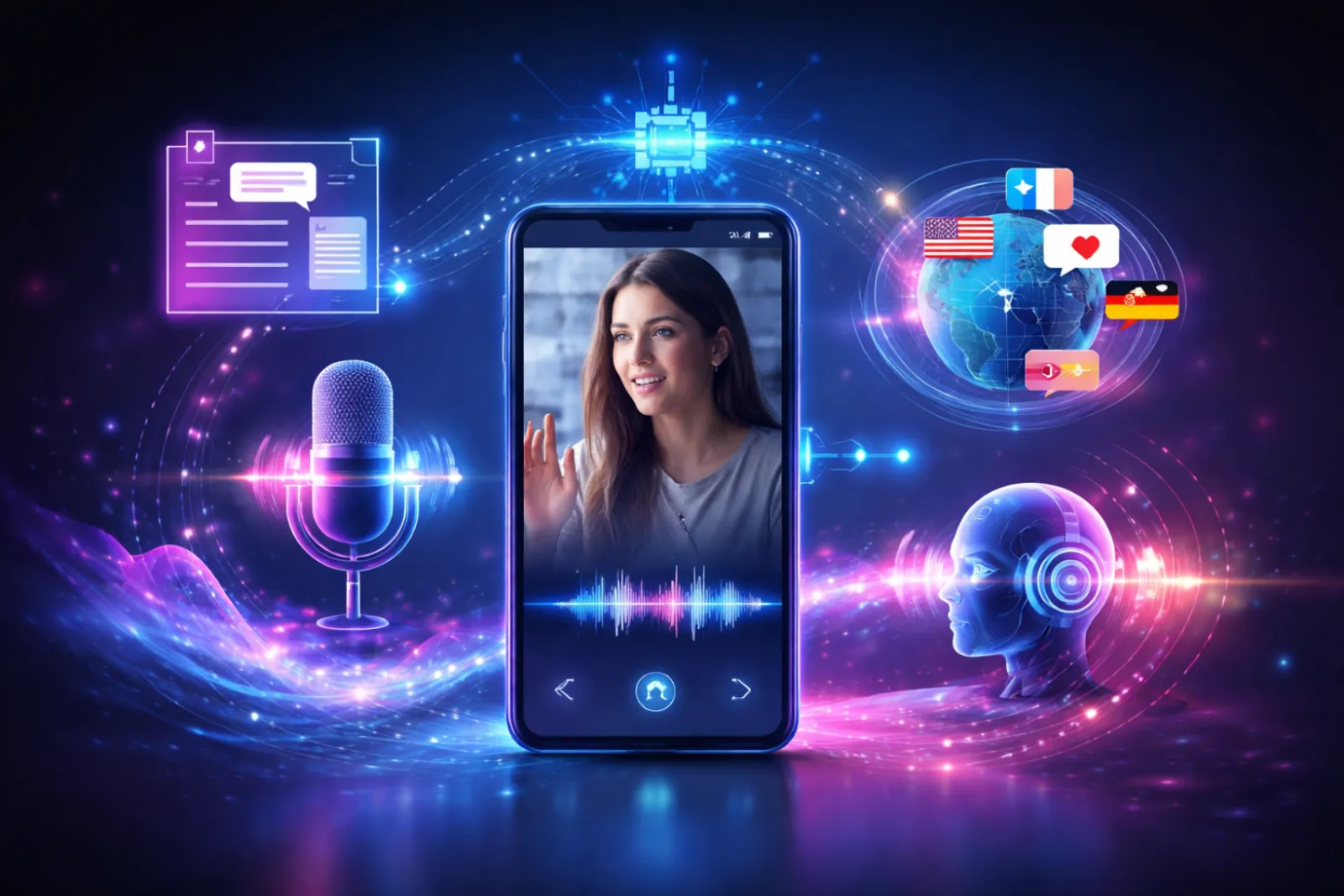
Frequently asked questions
How are credits calculated?
Dubbing uses credits based on the length of the video in minutes and the number of target languages. Current rates are on the pricing page.
Can I get subtitles too?
Yes. You can download a separate subtitle file for each target language.
Can I dub in my own voice?
If you have a cloned voice, you can assign it to a speaker in dubbing. A clone is created only with the consent of the voice's owner.
Can I translate the same video into more than one language?
Yes. You can choose several target languages in a single project. The text and the voice of each language are kept separate.
Can I correct the translation myself?
Yes. You correct the translation at line level and re-voice only the line that changed.
Is studio mode available on every plan?
Studio-quality dubbing is available on certain plans. The full list of plans is on the pricing page.
Can I dub a YouTube video?
Yes. Paste the link; the video is imported into My Files for free, then the dub starts based on its real length.
Is the speaker's own voice kept?
In Studio mode the speaker's timbre is kept in about 30 languages. Studio mode is available on the Creator plan and up.
Do you do lip-sync?
No. Speech is fitted to the length of the original line so audio and picture stay together, but lip movements are not changed.
Can I dub from subtitles I already have?
Yes. Use your SRT or VTT file, or the text from the transcription studio, and the transcription step is skipped.
Can I try it for free?
Without an account you can get one 30-second preview a day. Previews carry a watermark.