Voice Cloning AI: How to Clone Your Own Voice Safely
Learn how voice cloning AI works and clone your own voice from a short sample, with spoken consent checks, step-by-step instructions and practical tips.
· Updated: · 4 min read
Imagine narrating every video in your own voice without stepping up to the microphone each time. Voice cloning AI builds a digital copy of your voice from a short sample, and from then on any text you write can be read in that voice. This article explains how voice cloning works, how to clone your own voice step by step in the Voiser voice cloning studio, and the ground rules that keep the technology safe to use.
What is voice cloning and how does it work?
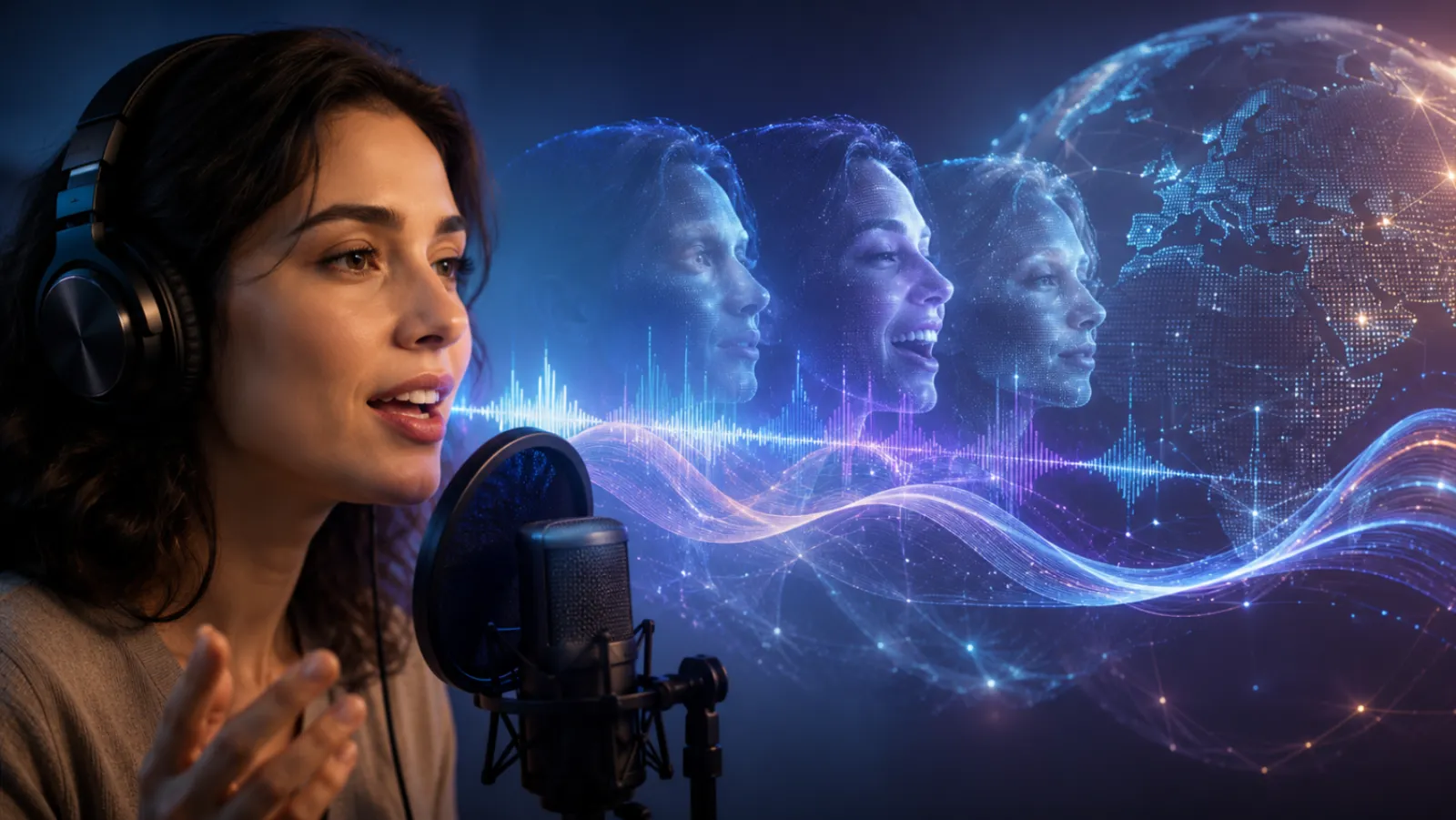
The AI learns the timbre, pace and emphasis patterns in a person's recording. The resulting voice model can then read text that person never actually recorded, in the same voice. The sample matters more than anything else: a short, natural recording made in a quiet room beats a long, noisy one.
A technology this capable can also be misused. That is why a trustworthy voice cloning tool is defined not only by audio quality but by a consent process that proves the voice is being cloned with its owner's permission.
What can you use a cloned voice for?
- Content creators: Produce narration in your own voice without recording every video separately.
- Educators: When a lesson script changes, update the narration in your voice without a new recording session.
- Brand voice: With your spokesperson's consent, keep one consistent voice across your communication.
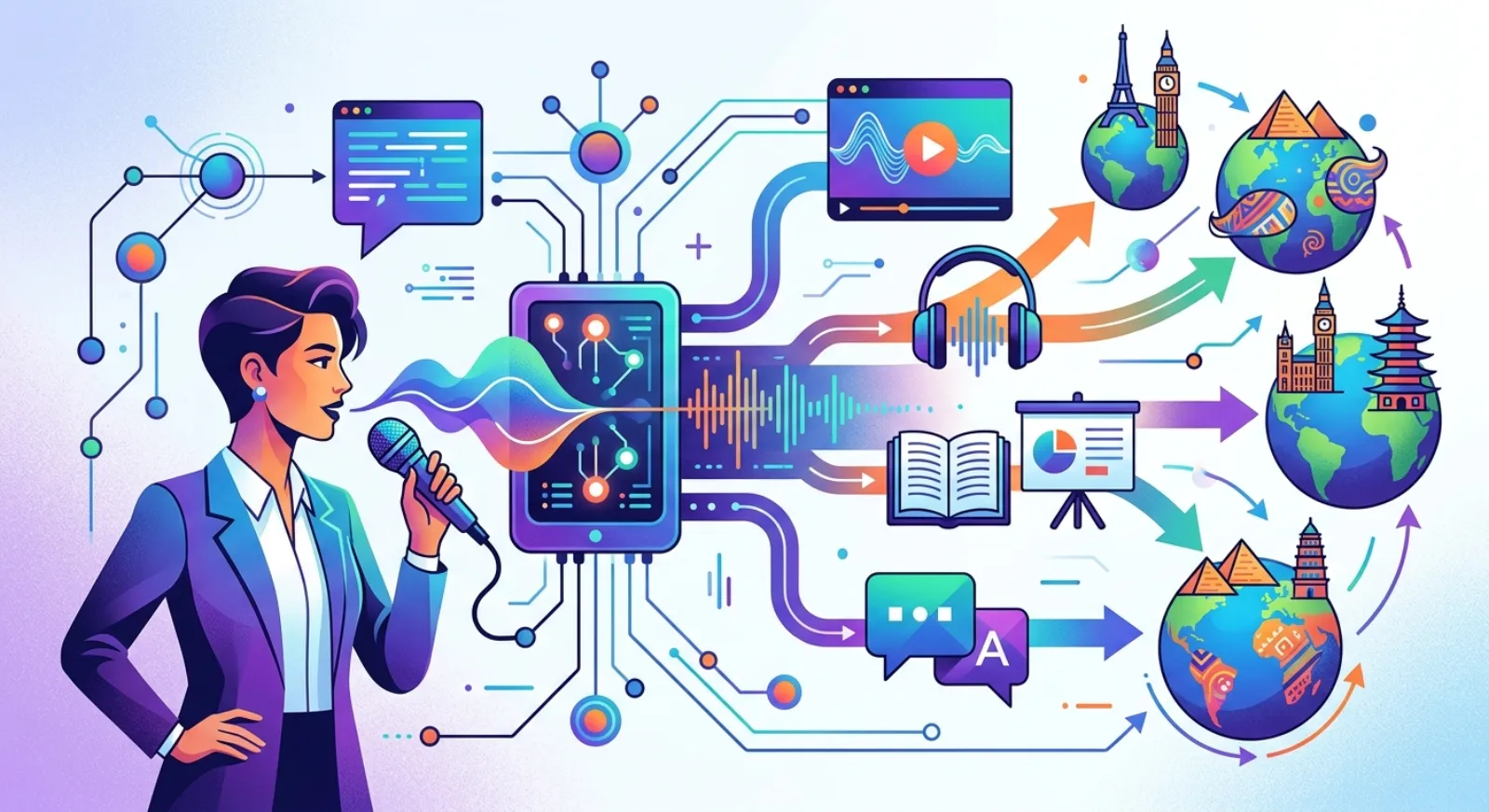
- Dubbing: Keep your own voice when a video is translated into another language by assigning your clone to a speaker in the dubbing studio.
- Multilingual narration: Choose up to five languages for your clone and narrate in each with the same timbre.
How to clone your voice with AI, step by step
On Voiser, cloning happens in the browser; no extra hardware or software is needed.
- Give consent: Before recording you give consent and confirm the speaker is over 18.
- Read the consent sentence: A sentence with four random words appears on screen and you read it aloud. No clone is created until that recording is verified.
- Add your sample: Read the on-screen script or upload a clean recording. Between 10 seconds and 5 minutes in total, across up to five recordings or files, is enough.
- Pick languages: Choose the languages your clone should speak.
- Listen and use it: Play a test sentence in your cloned voice. It then appears in your voice list in the voiceover and dubbing studios.
Consent, security and responsible use
With voice cloning, the key question is always "whose voice is this?" Voiser answers it with a few firm rules:
- Owner consent only: No clone is created without the spoken consent sentence, so you cannot clone someone else's voice.
- Tamper-proof consent record: Who consented, and when, is recorded and cannot be changed later.
- No celebrity impersonation: Attempts to clone well-known people's voices are blocked.
- Private to your account: Your clone is never opened to other accounts or the shared voice list; you can share it with your team workspace if you choose.
- Withdraw and delete: Withdraw consent at any time and the clone is permanently deleted.
Whatever tool you use, cloning someone's voice without permission can create both ethical and legal problems. If you are building a brand voice, agree in writing with the person whose voice it is on where and for how long it will be used. And when you publish cloned audio, especially in ads or news, saying that the voice was generated with AI helps keep your audience's trust.
Can you clone a voice for free?
In most tools voice cloning sits behind a paid plan, and the Voiser web studio is no exception. A free account lets you explore the studios and the credit-based system, while clone slots start with the Creator plan. Creating a clone does not use credits; generating speech with it is charged per character like any other voice. Clone allowances per plan are listed on the pricing page, and extra clone slots can be bought once your plan's allowance is used.
If you prefer working on your phone, Voiser also offers an AI Voice Clone mobile app, which has its own sign-up and in-app purchases. Other voice cloning tools on the market include ElevenLabs, Resemble AI and Descript. For a direct comparison, see our ElevenLabs alternative page.
Tips for a better voice clone
- Pick a quiet room: A space without echo or background noise is the single most important input.
- Talk naturally: Speak as if you are explaining something, not reading; the clone learns that tone.
- Keep a steady distance: A consistent level throughout the recording produces a cleaner model.
- Vary your sentences: Mixing questions, exclamations and plain statements helps the clone carry more expression.
FAQ
Can I clone someone else's voice?
No. A clone is created only after the voice owner reads the consent sentence in their own voice, and clones that imitate well-known people are blocked.
How much audio do I need?
Between 10 seconds and 5 minutes in total. The studio shows the script to read and walks you through each step.
How realistic will my clone sound?
It depends mostly on the sample. A recording made in a quiet room in your natural tone gives the most realistic result.
How do I delete my clone?
Withdraw your consent or delete the clone in the voice cloning studio, and the voice model is permanently removed.