Custom Voice AI: Create Your Own Voice with Voice Cloning
A practical guide to custom voice AI: clone your own voice with consent, build a consistent brand voice and use it in voiceover and dubbing with Voiser.
· Updated: · 4 min read
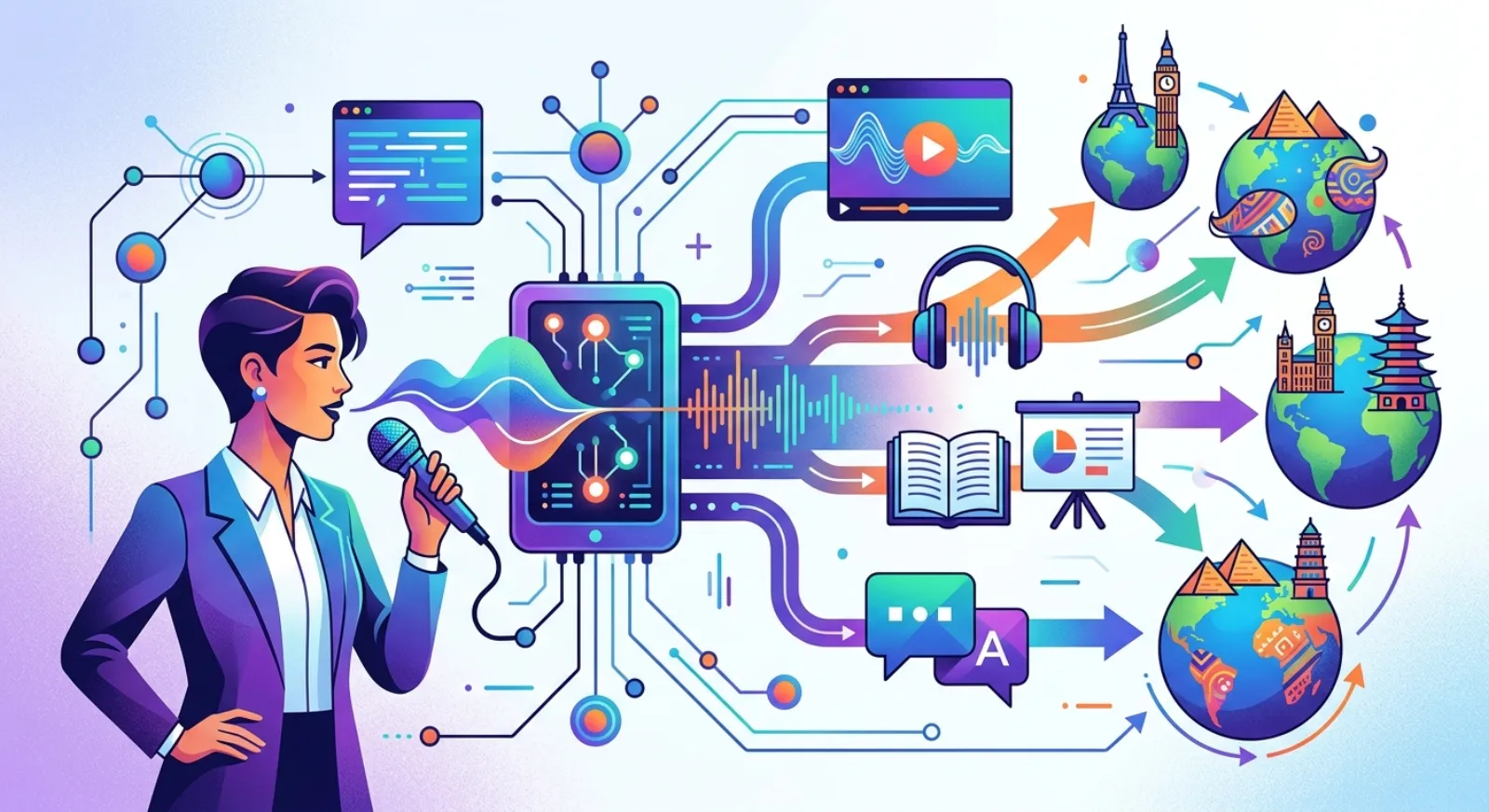
Custom voice AI lets you go beyond a library of stock voices and create a digital model of a voice that belongs to you or your brand. With it, you can narrate a new video without recording it, or update a training course in minutes when the script changes. This guide covers the main ways to get a custom voice, how voice cloning works in Voiser, and what makes the difference between an average clone and a convincing one.
Ways to create a custom voice
"Custom voice" covers several approaches. The right one depends on whose voice it should be and where you will use it:
- Clone your own voice: a short recording becomes a model that reads any text in your timbre. This is the most common route for creators and educators.
- Clone a spokesperson, with consent: the person who will be the recognizable voice of your brand records a sample and gives explicit consent. Every announcement then sounds the same.
- Make a library voice your brand voice: pick a ready-made voice and lock in its pronunciation rules and speed so every piece of content sounds consistent, without recording anyone.
- Design a voice from a description: some platforms generate a brand new voice from a written prompt. Voiser does not offer voice design of this kind; a custom voice in Voiser is always created from a real person's consented recording.
How voice cloning works in Voiser
The Voiser voice cloning studio records in your browser, so you need no extra hardware. The ground rules:
- A short sample is enough: between 10 seconds and 5 minutes in total, from up to five recordings or files.
- Spoken consent check: before recording you give consent and confirm the speaker is over 18. You then read a sentence with four random words aloud, and no clone is made until that recording is verified.
- Closed to celebrity impersonation: clones carrying the names of well-known people are blocked.
- Several languages: choose up to five languages for your clone and use the same voice across them.
- Only in your account: the clone is never opened to other accounts. You can share it with your team workspace if you want.
- Withdraw consent at any time: withdraw it and the clone is permanently deleted.
Your clone joins your voice list in the voiceover and dubbing studios. In voiceover you use it like any library voice, with the same controls for speed, pauses and pronunciation; in dubbing you can assign it to a speaker.
How to create a custom voice step by step
- Open the studio. Sign in and go to the voice cloning studio. You need a plan that includes clones.
- Give consent. Confirm the consent step and that the speaker is over 18.
- Read the verification sentence. Read the random-word sentence on screen in your own voice.
- Add your sample. Read the guided text or upload a clean recording you already have.
- Choose languages. Pick the languages your clone should speak.
- Listen, then use it. Play a test sentence in your cloned voice, then use it in your voiceover and dubbing projects.
Recording tips for a better clone
How realistic your clone sounds depends mostly on the sample. A few habits help a lot:
- Pick a quiet room. An echo-free, noise-free space matters more than anything else.
- Speak naturally. Talk as if you are telling someone a story rather than reading; the clone learns that tone.
- Keep a steady distance from the mic. A constant level throughout gives a cleaner model.
- Mix your sentences. Questions, exclamations and plain statements help the clone carry more expression.
Where custom voices are used
- Content creators: narrate every video in your own voice without re-recording.
- Educators and trainers: update lessons in your voice whenever the material changes.
- Brand voice: keep ads, product videos and announcements consistent with a spokesperson's consented clone.
- Multilingual publishing: when your video is dubbed into another language, it can still be your voice doing the talking.
- Audiobooks and podcasts: long narration in a familiar voice, produced chapter by chapter.
FAQ
Which plans include voice clones?
Creator includes 1 clone, Pro 3, Scale 10 and Business 25, and extra clones can be purchased. Creating a clone uses no credits; generating speech with it uses regular voiceover credits. The Free and Starter plans do not include clones. Details are on the pricing page.
Can I clone someone else's voice?
No. A clone is created only after the voice owner reads the consent sentence in their own voice, and clones imitating well-known people are blocked.
How realistic will my custom voice be?
It depends mostly on the quality of the sample. A recording made in a quiet room, in your natural tone, gives the most realistic result.
Can I delete my custom voice?
Yes. When you withdraw consent or delete the clone, the voice model and the sample recordings are permanently removed.