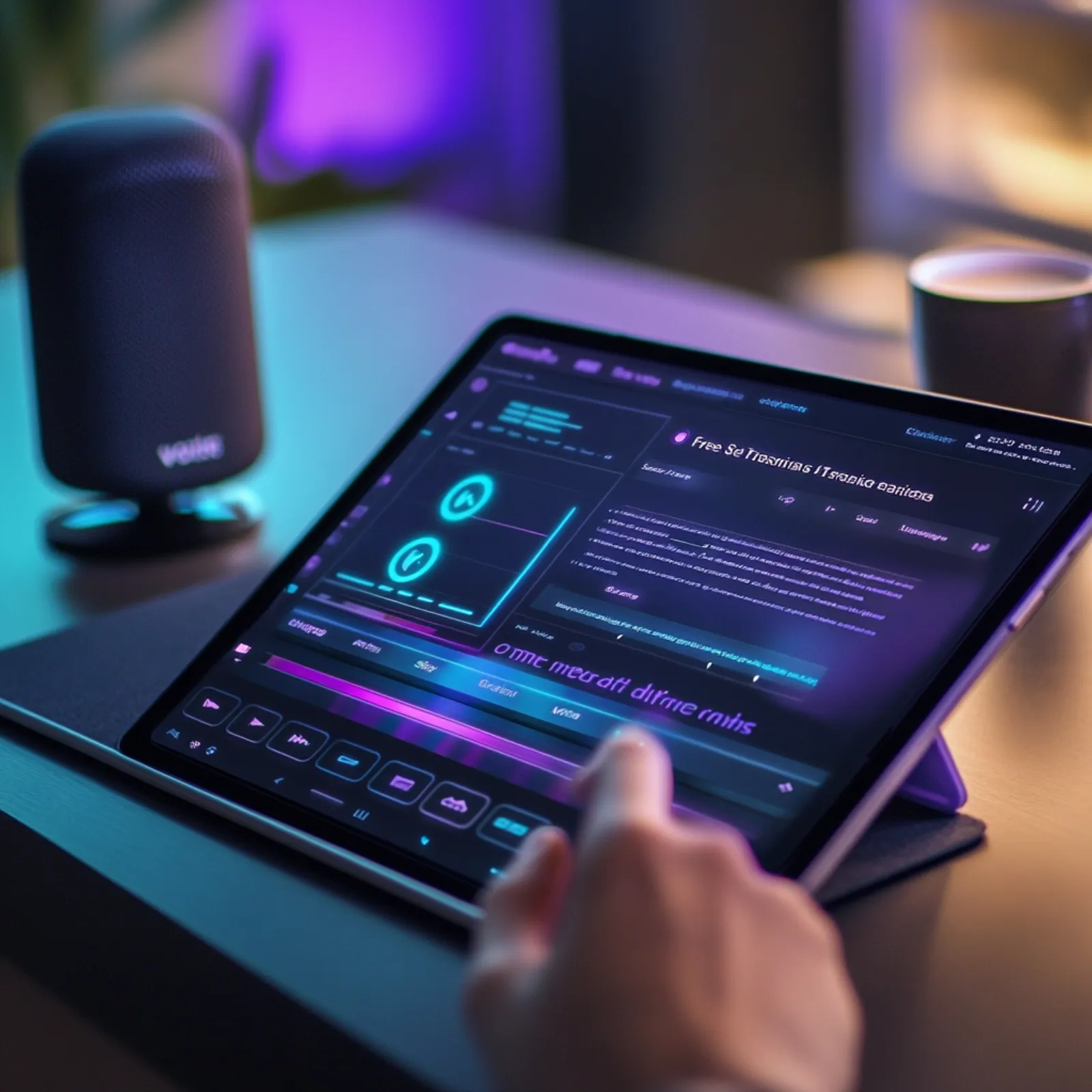
Upload your meeting, interview, lecture or podcast recording. Voiser transcribes the speech, separates the speakers, and prepares the subtitles and the summary.
Listen to a short text without signing up. If you like it, your draft waits for you in the studio.
Upload your audio or video file in the studio and get a transcript separated by speaker, subtitles and a summary.
Try:
From recording to usable text
Speaker separation
Who said what is separated line by line, so long meeting recordings become readable.
Subtitle files
Download the timestamped text as SRT and VTT, and add it directly to your video.
Summary and translation
Get a summary of a long recording and a list of action items. Translate the text into another language.
Custom dictionary
Define organization names and field-specific terms so they are spelled correctly in the transcript.
Ask the recording a question
Type a question about the transcript and get the answer from inside the recording.
Filler word cleanup
Remove hesitations and filler words from the text.
Beyond the transcript
01
Four ways to bring a recording
Upload a file, record in the browser, or paste a link. YouTube, Google Drive, Instagram, TikTok, X, Vimeo, SoundCloud and direct file links are supported, and importing a link costs no credits.
02
Click a word, play from there
The spoken word is highlighted as you listen. Low-confidence words are flagged, so you know where to look.
03
A comfortable editor
Split or merge lines, name speakers, and fix things in bulk with find and replace. Edit history makes undo one click away.
04
AI tools
Get a summary with key points, action items and timestamped chapters. Ask the recording a question and get the answer from the text.
05
Translation into 30 languages
Translate the transcript, edit the translation, and export it as subtitles or a document.
06
Nine export formats
TXT, DOCX, PDF, SRT, VTT, XLSX, JSON, CSV and ELAN. Toggle timestamps and speaker names, and set subtitle line length and line count.
07
Filler word removal
Fillers like "um" and "uh" are cleaned out, leaving readable text.
08
Send to voiceover or dubbing
Send the transcript to a voiceover project or to dubbing in one click; dubbing skips transcription.
Try it free today
Create your account and use every studio with 5,000 free credits each month. No credit card required.
“The ability to adjust emotion and tone makes it ideal for everything from storytelling to corporate projects. Well done.”
MOMuratcan Oruntak★★★★★★★★★★
“Much higher quality than its counterparts in both voiceover and transcription... They solved the problem by supporting from personal phones even after work hours.”
WWayne★★★★★★★★★★
“Congratulations! It looks really useful for people all over the world who do live streaming and podcasts.”
YÇYiğit ÇÖME★★★★★★★★★★
“The only solution we prefer for the voiceover solutions we need. A company that does its job well with both technical support and solutions.”
PMPrince Mwansa★★★★★★★★★★
“I'm speechless, this is the best AI I've been looking for! Finally found it after years ⭐⭐⭐⭐”
MYMiray Yalçın★★★★★★★★★★
“Their transparent communication and proactive problem solving truly set them apart in the industry.”
GGecmişten1dakika★★★★★★★★★★
“Very nice and useful application.”
ADAisha D.★★★★★★★★★★
“Thanks to its natural tone, it feels like a real human voice. Its emphasis on data privacy makes Voiser 100% reliable.”
ATAbdulhalim Turgut★★★★★★★★★★
“Overall, the experience was excellent, and the app met our expectations.”
SLSébastien le minimum★★★★★★★★★★
“I recommend this app. I'm a content creator, I search for apps every day and I discovered this. I put it at Top 1 because it's the best.”
FBFerit Benjamin★★★★★★★★★★
“Their services are very high quality and they take close interest in us.”
TTheRealMC06★★★★★★★★★★
“Incredibly useful for both fun and creative projects. Interface is simple and easy to use. Thanks to everyone involved!”
LCLeo Cobain★★★★★★★★★★
“The ability to adjust emotion and tone makes it ideal for everything from storytelling to corporate projects. Well done.”
MOMuratcan Oruntak★★★★★★★★★★
“Much higher quality than its counterparts in both voiceover and transcription... They solved the problem by supporting from personal phones even after work hours.”
WWayne★★★★★★★★★★
“Congratulations! It looks really useful for people all over the world who do live streaming and podcasts.”
YÇYiğit ÇÖME★★★★★★★★★★
“The only solution we prefer for the voiceover solutions we need. A company that does its job well with both technical support and solutions.”
PMPrince Mwansa★★★★★★★★★★
“I'm speechless, this is the best AI I've been looking for! Finally found it after years ⭐⭐⭐⭐”
MYMiray Yalçın★★★★★★★★★★
“Their transparent communication and proactive problem solving truly set them apart in the industry.”
GGecmişten1dakika★★★★★★★★★★
“Very nice and useful application.”
ADAisha D.★★★★★★★★★★
“Thanks to its natural tone, it feels like a real human voice. Its emphasis on data privacy makes Voiser 100% reliable.”
ATAbdulhalim Turgut★★★★★★★★★★
“Overall, the experience was excellent, and the app met our expectations.”
SLSébastien le minimum★★★★★★★★★★
“I recommend this app. I'm a content creator, I search for apps every day and I discovered this. I put it at Top 1 because it's the best.”
FBFerit Benjamin★★★★★★★★★★
“Their services are very high quality and they take close interest in us.”
TTheRealMC06★★★★★★★★★★
“Incredibly useful for both fun and creative projects. Interface is simple and easy to use. Thanks to everyone involved!”
LLotuseu★★★★★★★★★★
“A fun program that we can use in many areas. I recommend it to everyone.”
ณฐณัฐ บุญลาภ★★★★★★★★★★
“Updated: Character limit increased from 3,500 to 7,000. So happy they consider feedback. I will use this for a long time ❤️❤️❤️”
AAğov★★★★★★★★★★
“I can convert my voice recordings directly to text. I'm buying back my time. Where have you been until now?”
CCCruise Chen★★★★★★★★★★
“Great to see a tool that makes video translation so effortless. My multilingual friends can finally understand my YouTube suggestions!”
DTDivyansh Tiwari★★★★★★★★★★
“An incredible platform for anyone wanting to dive into the field of AI education. Great job team!”
HAH AlQahtani★★★★★★★★★★
“Incredible! I swear I'm not lying. Finally found a great AI, I recommend it!”
MDMotivasyon Dozu★★★★★★★★★★
“The best tech company I've ever seen. The 99.9% reason for my YouTube channel's growth is Voiser Technology. Experts in AI voices.”
AUaljule uassun★★★★★★★★★★
“Best app ever! I hope everyone downloads it. Deserves more than five stars and it's free. Thanks!”
EUEmre Uygur★★★★★★★★★★
“They were responsive to any requests or adjustments I needed.”
SFslim Fly★★★★★★★★★★
“Perfect, voice cloning is great, wish I could give 6 stars.”
SGStephen Grasela★★★★★★★★★★
“Excellent AI app. Used it to create custom notifications for Messenger and SMS. Extremely easy to use.”
Pricing
Choose the plan that fits you
Upgrade as your needs grow. Your credits work in every studio.